Thirty-five years ago, when Alessio and I were students at the Vigorelli in Milan, we dreamed of making a digital planner. A proper one, where you could put down an appointment and scribble an idea or something you wanted to remember on the same page. We even knew what we wanted to build it with… Visual Basic.
Back then, mobile phones as we know them today didn’t exist. Neither did tablets. A computer took up half the desk, and if you wanted to check your planner, you had to go and sit in front of it. At the Vigorelli we were learning about computers from companies like DEC, Digital Equipment Corporation, a giant at the time and a name you mostly come across in computing history today. And there we were, with those machines in front of us, imagining a planner we could carry around.
After school, Alessio and I went our separate ways. I carried that dream with me through all those years, along with plenty of others. I kept looking for a way to make it happen. Whenever a new device came along or I got my hands on a better set of development tools, I’d come back to the same question. Could I finally build it the way I wanted?
Looking back, we were a bit like Scotty in Star Trek IV, picking up the mouse and saying, “Hello, computer.” He expected the computer to talk back. We expected to carry around a planner we’d made on one. Today I can take that planner out of my pocket and tell it what I want to write down.
It took smartphones, tablets you could actually write on, and development tools that got better year after year. Then AI came along and made a very practical difference to me. I could try ideas I would once have dropped as soon as I worked out how many hours it would take just to see whether they worked. And so, thirty-five years after Alessio and I first talked about it, the planner finally took shape.
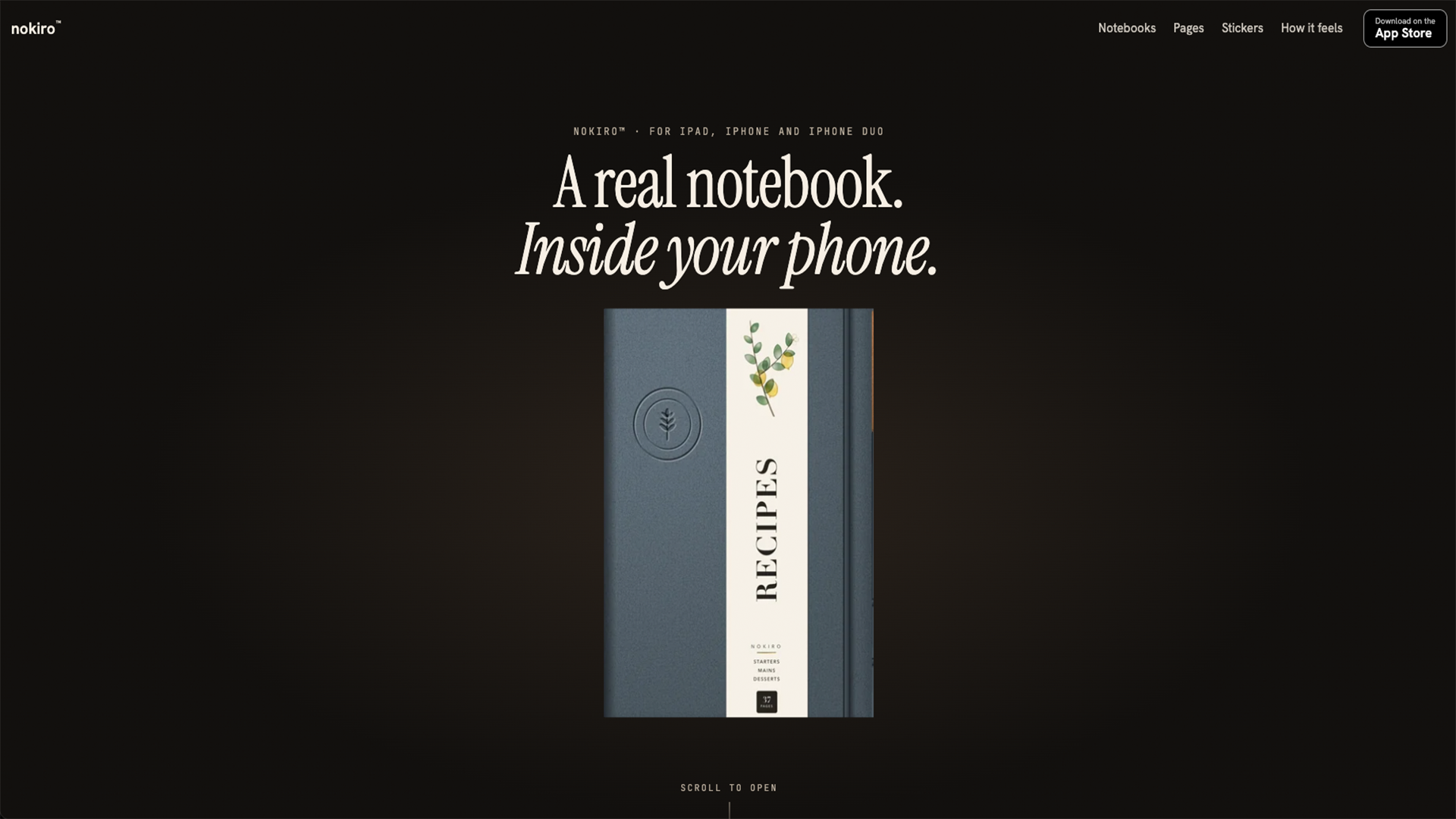
It’s called NOKIRO.
I wanted to open a notebook, turn the page with my finger and carry on writing where I’d left off. If I need two sheets of graph paper for some calculations after my weekly plan, I can put them right there. If I’m putting together a travel journal, I can add a map, a list of things to do before I leave and a few blank pages for when I get there. I can choose the cover, put a photo or sticker on it, divide the notebook into sections and leave a bookmark wherever I want to come back.
On iPad and iPhone Duo, I can write with Apple Pencil. The fountain pen, pencil and highlighter each leave a different mark, as you’d expect if you pulled them out of a pencil case. On iPhone there are pocket notebooks you can flip through one page at a time. On iPhone Duo, the whole thing gets rather literal. The cover is on the outside screen. Open the phone and you’re back at the two-page spread you left, with the fold acting as the spine. Close the phone and you’ve closed the notebook.
Then there are the things that make it worth having the planner on a device. An appointment already in my calendar can show up on that day’s page without my having to copy it over. If I remember writing something by hand but forget which notebook it’s in, I can search for it. I can dictate a note or record a thought and come back to the page to play it, with a transcript generated on the device even when I’m offline. And if I want to share something, I can export a PDF or send the whole notebook to another iPhone or iPad using AirDrop or Files.
NOKIRO is currently under review by Apple. In the meantime, you can see the notebooks, browse the page catalogue and see how it works on each device. nokiro.app
If someone had told me at the Vigorelli that one day I’d pull that planner out of my pocket, open it and tell it what I wanted to write down, I’d have asked them to show me. Then I’d have called Alessio.